

Shape the place. Let the details follow.
Build the shape you have in mind without placing every window, roof tile, and beam yourself.
- Choose your style.Start with Medieval or Desert and an open meadow.
- Paint your buildings.Stack floors, add porches, canopies, and stairs, and reshape as you go. The architectural details adapt to your layout.
- Bring your town into Minecraft.Export when you are ready to build in your world. An active subscription includes town downloads.
See what a few brushes can become.
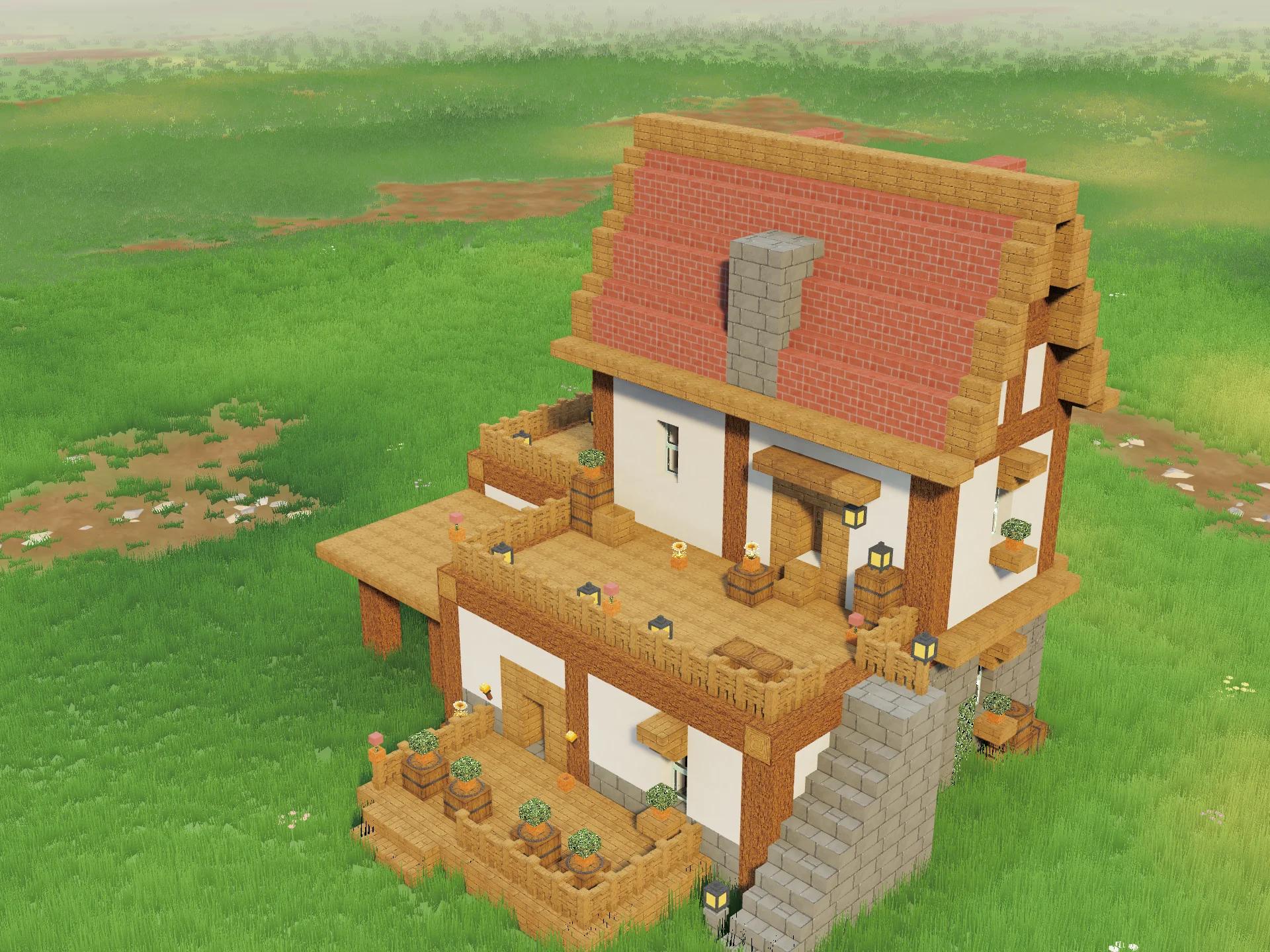
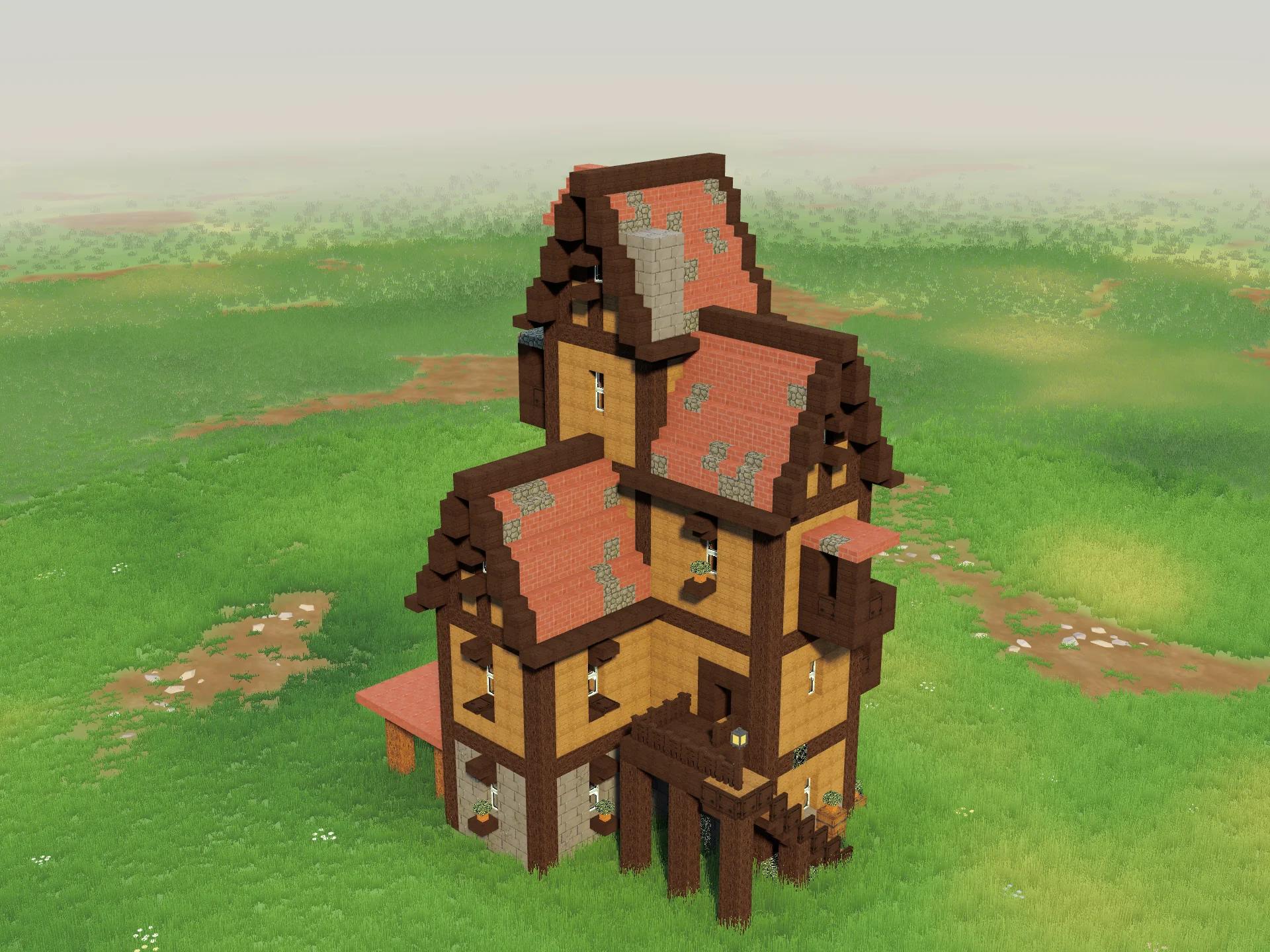
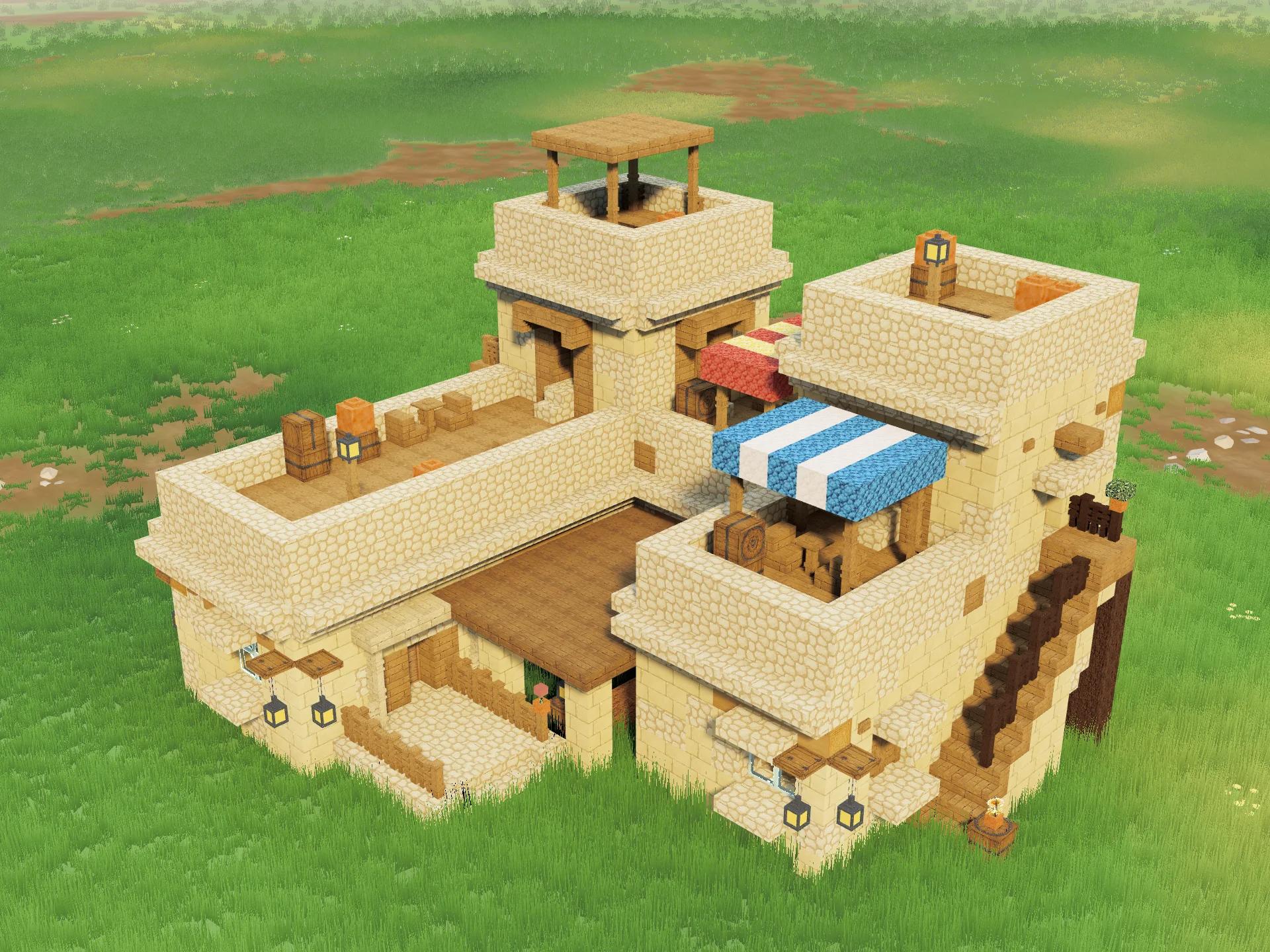
A woodland house, a tall townhouse, a sunlit courtyard. Each was shaped with the same brushes you use in the builder.
Give your town a place in your world.
Build and adjust it here, then take it into Minecraft. Choose the file your tools use and keep creating in your own world.
.schem.nbt.litematic.mcstructure.glb
See plans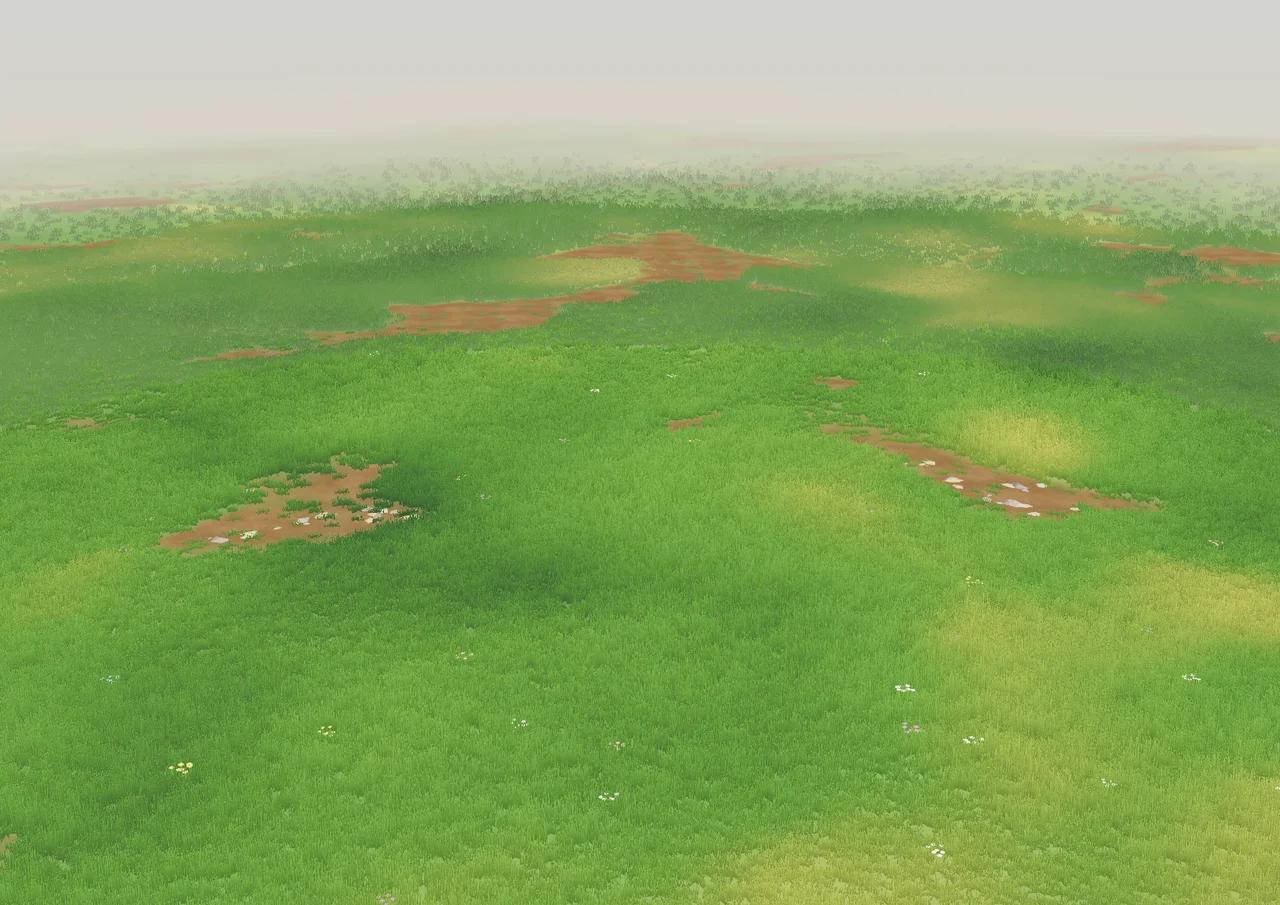
Your meadow is waiting.
Start free. Shape your first house, add a porch, and see where the next brush takes you.