VoxelDreamer now builds with brushes
Hey everyone,
Thank you very much for being with me and for following the path of VoxelDreamer. Today I want to announce a big change: the engine is new, and you now build with brushes instead of text.
Why I dropped text
For a long time I pushed for text-driven building: you describe a house and it appears. After about a year I had to admit that text is not a good way to say which building you actually want. Even a very simple house took several attempts and a lot of effort, and still it was rarely the one you had in mind.
So I changed direction. Instead of describing a house, you place it.
How it works
You get a few very simple brushes. Paint cells on the meadow to lay out a building, stack them for more floors, then attach porches, canopies and stairs wherever you want them. A porch on an upper floor turns into a balcony or a platform. You can then take the result to Minecraft, and later to other games.
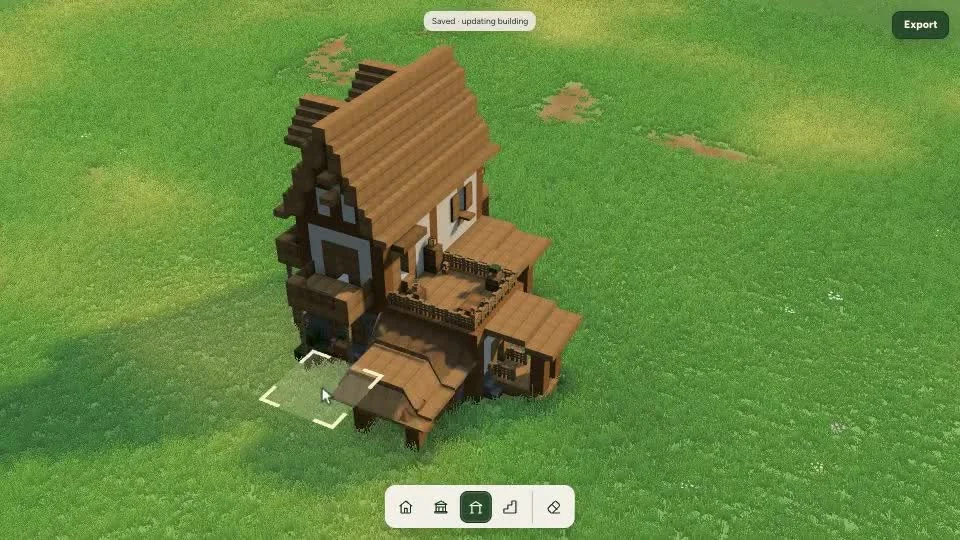
What matters to me: it is still simple, still playful, still fun. I just give you more architectural control. And the engine takes the rest. It adds the windows, the doors, the small balconies and all the little decorations that make a house look lived in, while you keep the control over the shape. It answers as you click, so there is no waiting for a prompt to come back.
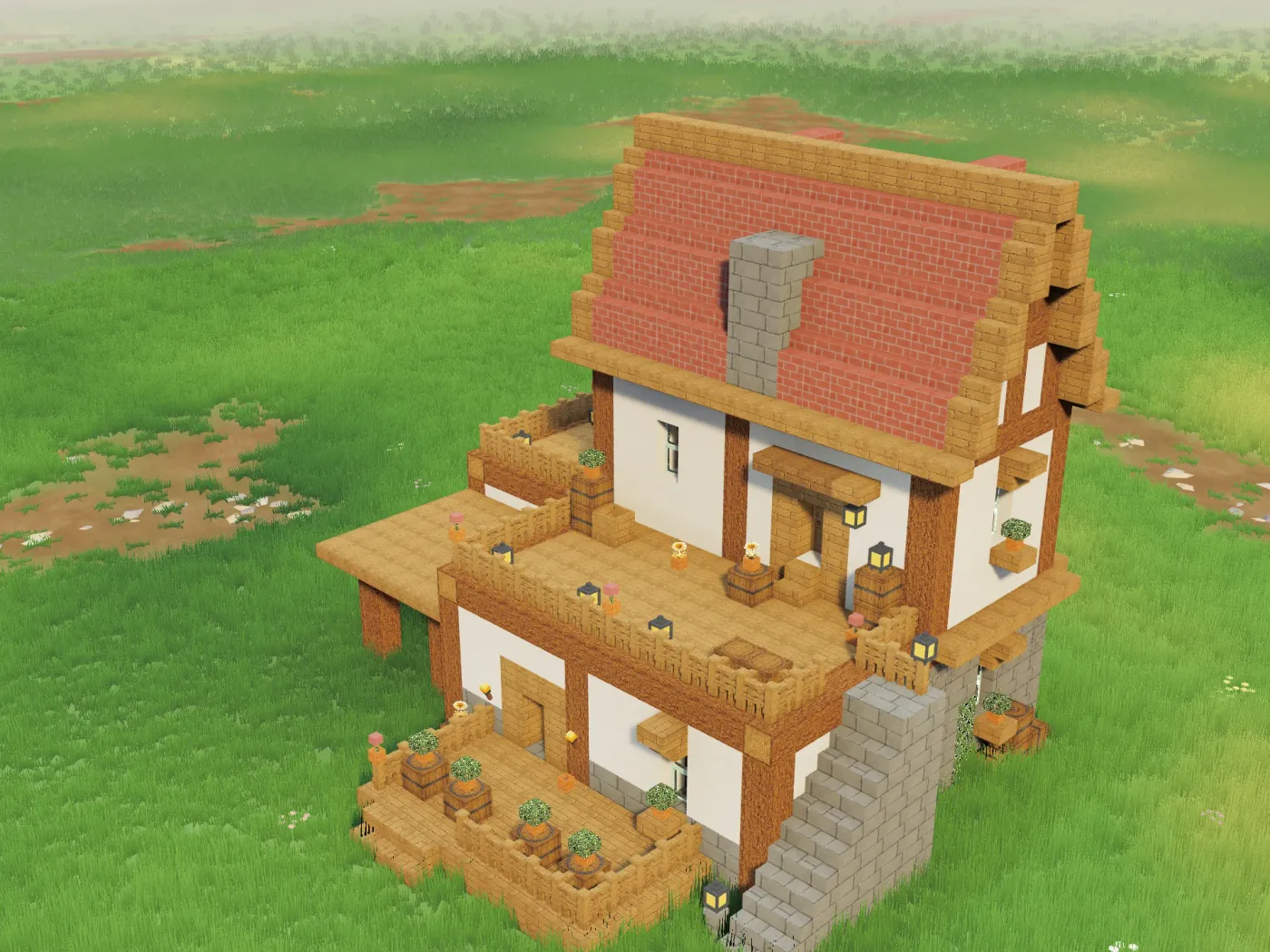
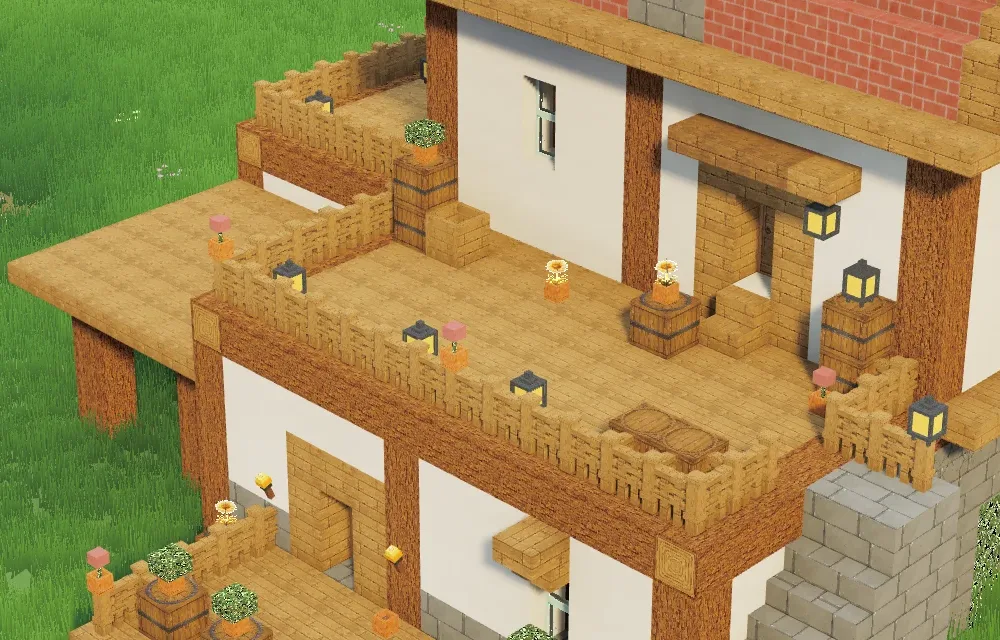
Zoom in and you find the details I like most: railings, lanterns, flower pots, shutters, a small awning over the door. You never place those yourself.
Two styles to start
We launch with Medieval and Desert. Each of them already has a lot of variety inside: materials, shapes, roof types, decorations. All of that is decided for you, and every house is unique, even in the same style. Build the same layout twice and you will not get the same house.
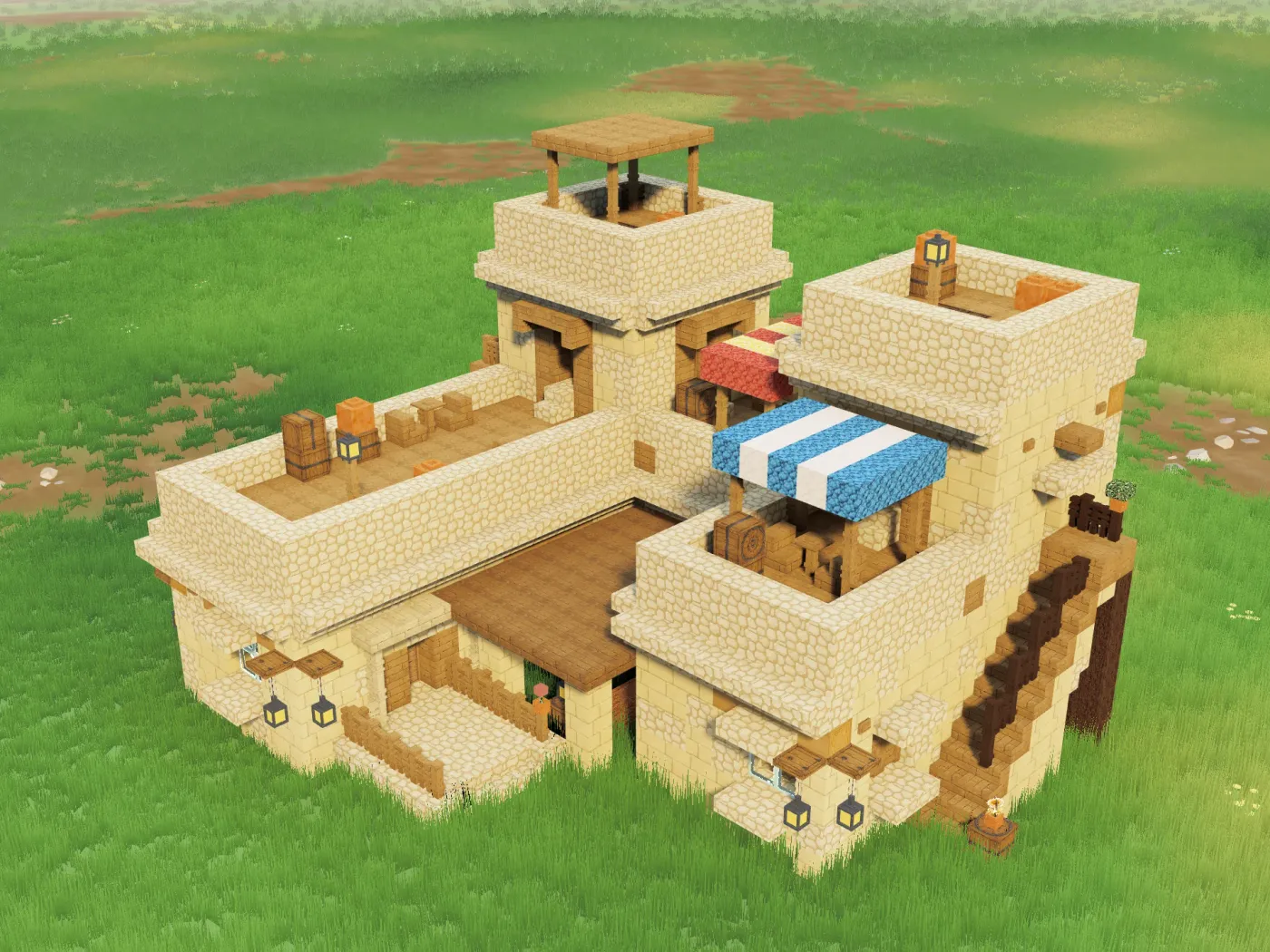
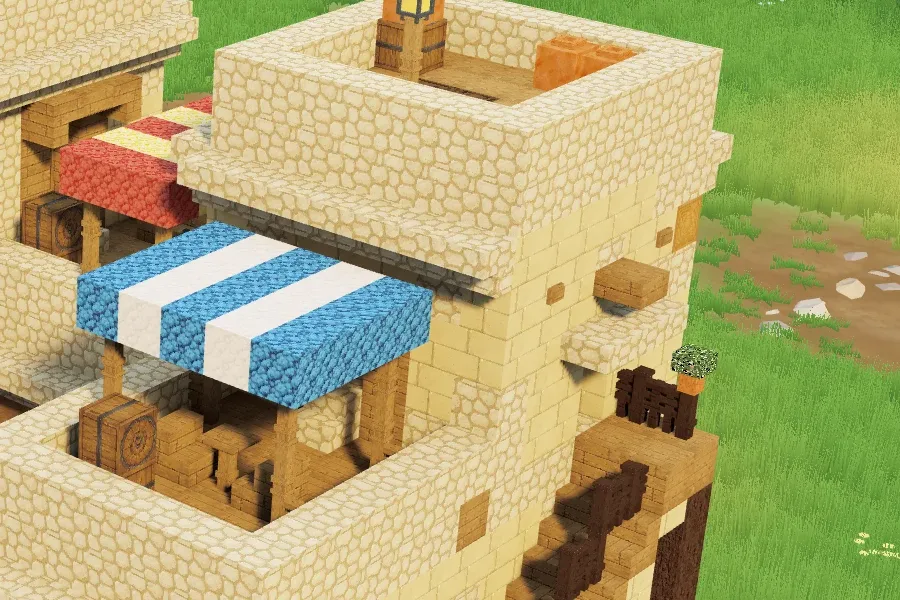
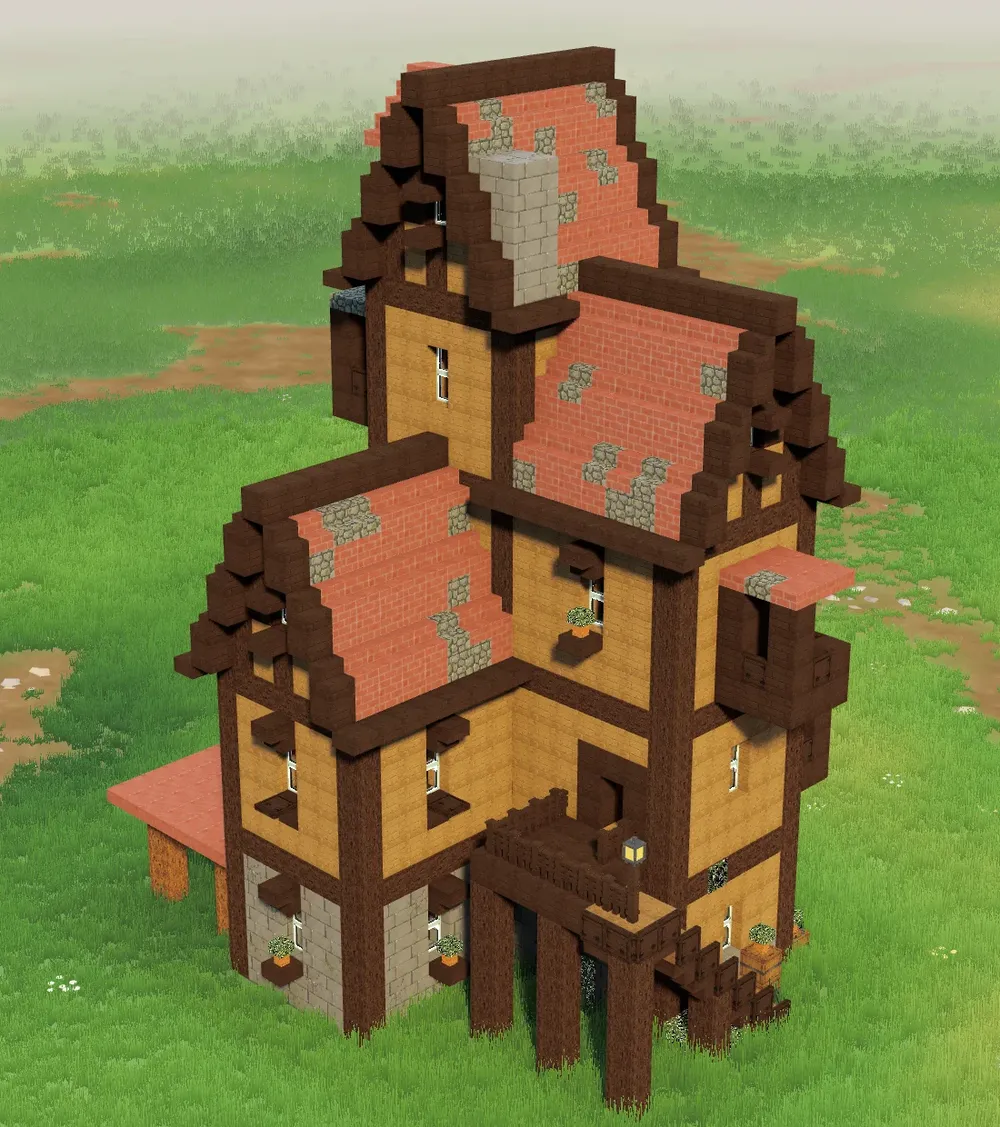
More styles are coming, that is for sure. First I want to see how far we can go with these two.
Take it into the game
Export your town as .schem, .nbt, .litematic, .mcstructure or .glb. Your older text-generated buildings are still there too, and you can still view and export them. Building is free to try with an allowance that refills over time; the details are on the pricing page.
Go ahead, try it
I need your feedback. Open the builder, make a house, and let me know what you think: what feels good, what is annoying, and which style or brush you want next.
Stay tuned!